Find what broke on the new server before your visitors do
A QA report crawls your site on the new server in a real browser and turns what it finds into a list of launch risks with a score from 0 to 100. Fix them, run it again, then switch.
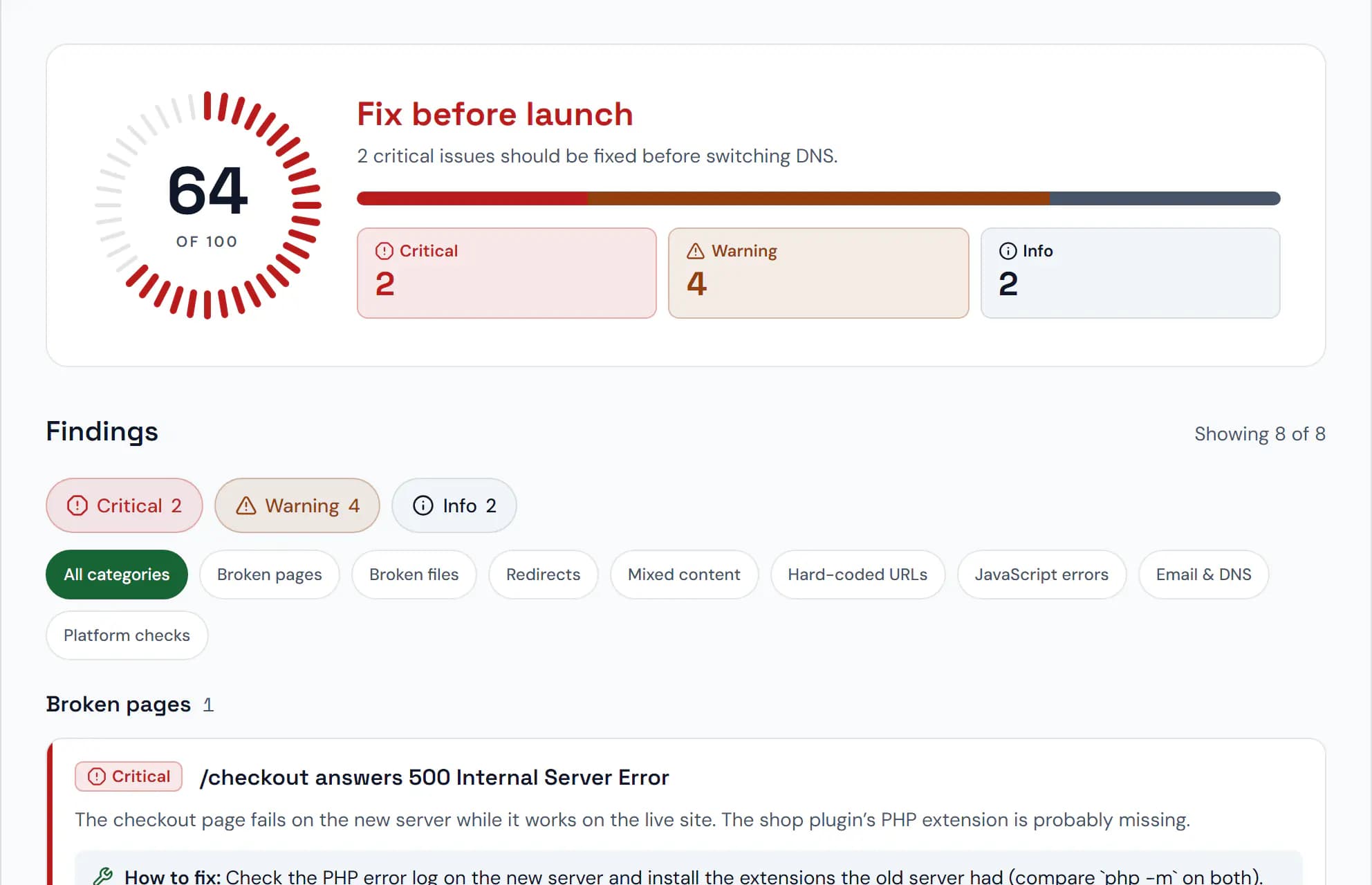
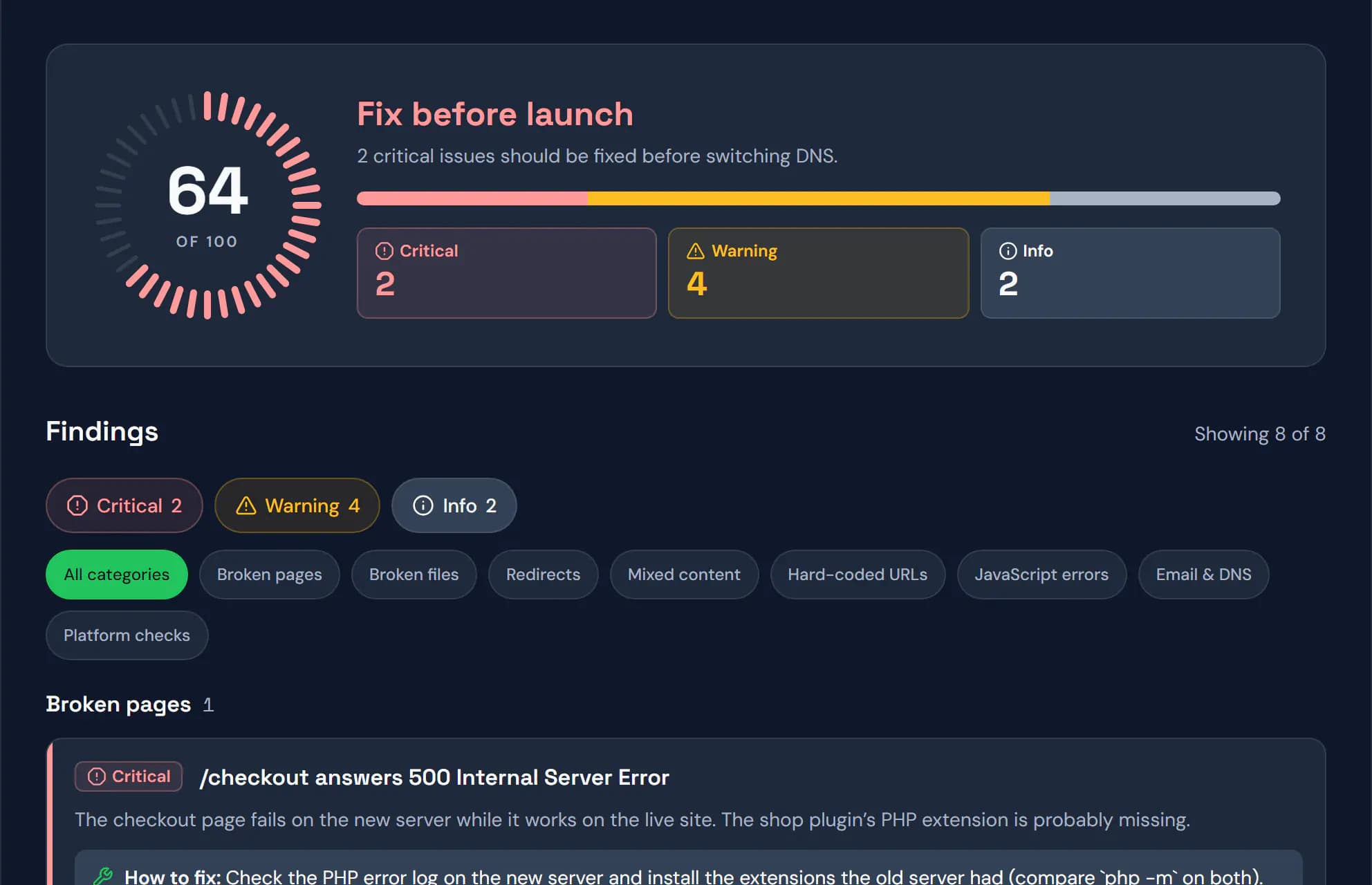
Sample data. Screenshot of the real product.
What you get
Broken pages and files
Pages that fail or are missing, scripts, stylesheets, images and fonts that don’t load, each with the pages that link to them.
Leftovers from staging
Links to temporary hostnames or raw IPs, noindex tags, canonical URLs pointing elsewhere and mixed content that browsers block.
Old server next to new
Key pages are fetched from the live site and the new server and compared: status, redirects, titles, speed, compression and security headers.
A report your client can read
Share a report link with your client; on plans with branding it carries your logo, colours and contacts.
How it works
- 1
Run the report
From the link’s page or settings. Pick desktop, mobile or both, the crawl speed and the paths to include or skip.
- 2
Fix what it finds
Findings are grouped by severity, and the same problem on many pages is reported once with the list of pages.
- 3
Run it again after the switch
With DNS alerts on, DNSPeek re-runs the report on the live domain once DNS has spread and compares it with the last one.
Plans
What each plan includes for this feature, from the current plan catalog.
QA reports / month
- Free
- 1
- Pro
- 10
- Agency
- 100
- Provider
- Unlimited
Pages per QA report
- Free
- 10
- Pro
- 25
- Agency
- 100
- Provider
- 100
Fast QA crawl speed
- Free
- Not included
- Pro
- Included
- Agency
- Included
- Provider
- Included
Security scan in QA reports
- Free
- Not included
- Pro
- Included
- Agency
- Included
- Provider
- Included
Branded QA reports
- Free
- Not included
- Pro
- Not included
- Agency
- Included
- Provider
- Included
Questions, answered
How long does a report take?
Usually a few minutes. You can close the page meanwhile and get a notification when it is ready.
Can it crawl a password-protected server?
Yes. Add a staging login: a username and password, a header or a cookie. They are sent only to your domain on the new server and stored encrypted.
Will it overload my server?
No. The Gentle speed opens one page at a time with a pause, and the crawler respects robots.txt by default.
How many reports can I run?
It depends on the plan: see the table above for reports per month and pages per report.
Check the new server before your visitors do
Free, no credit card, and no account needed for your first link.