See your site on the new server before you switch DNS
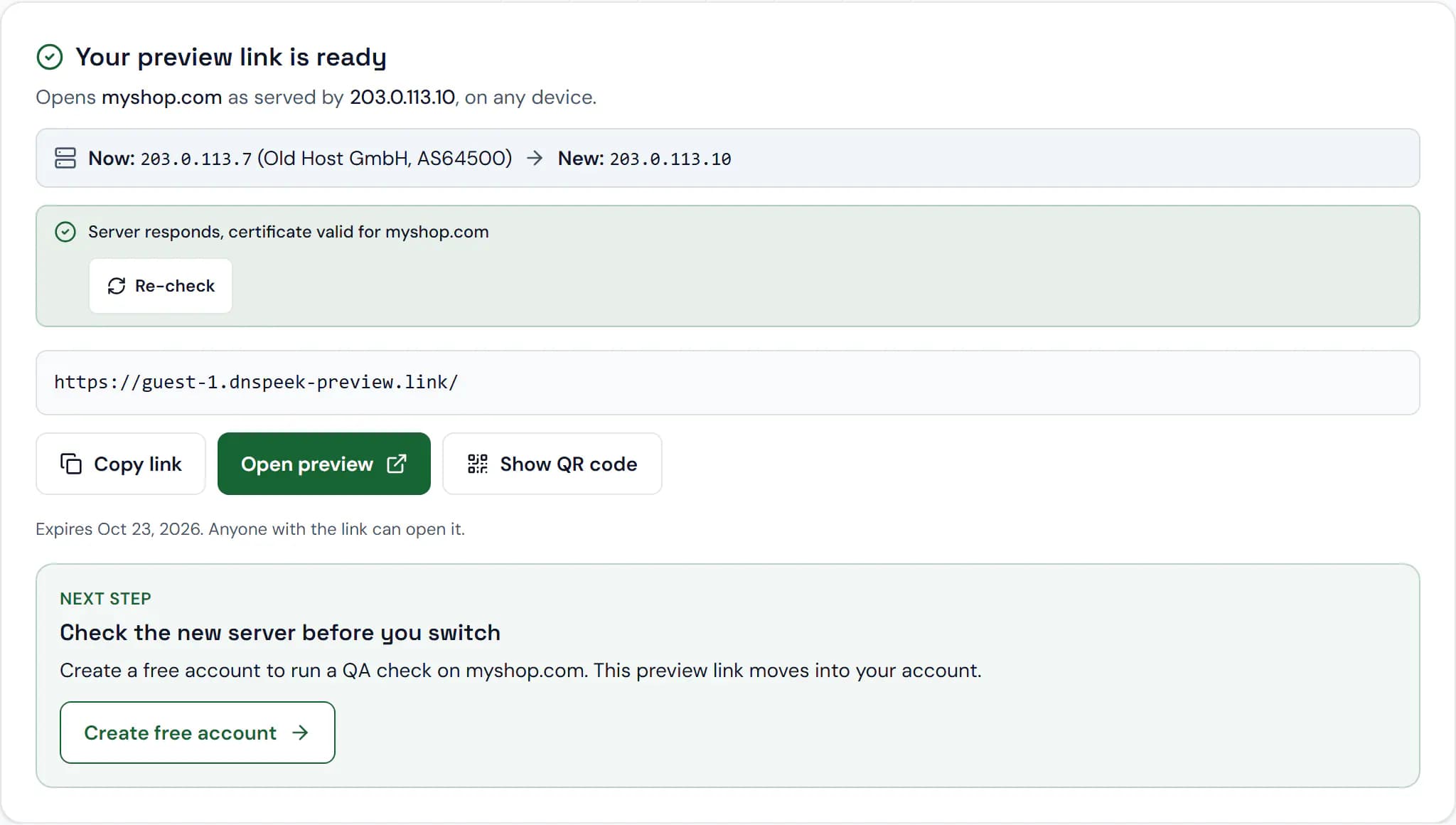
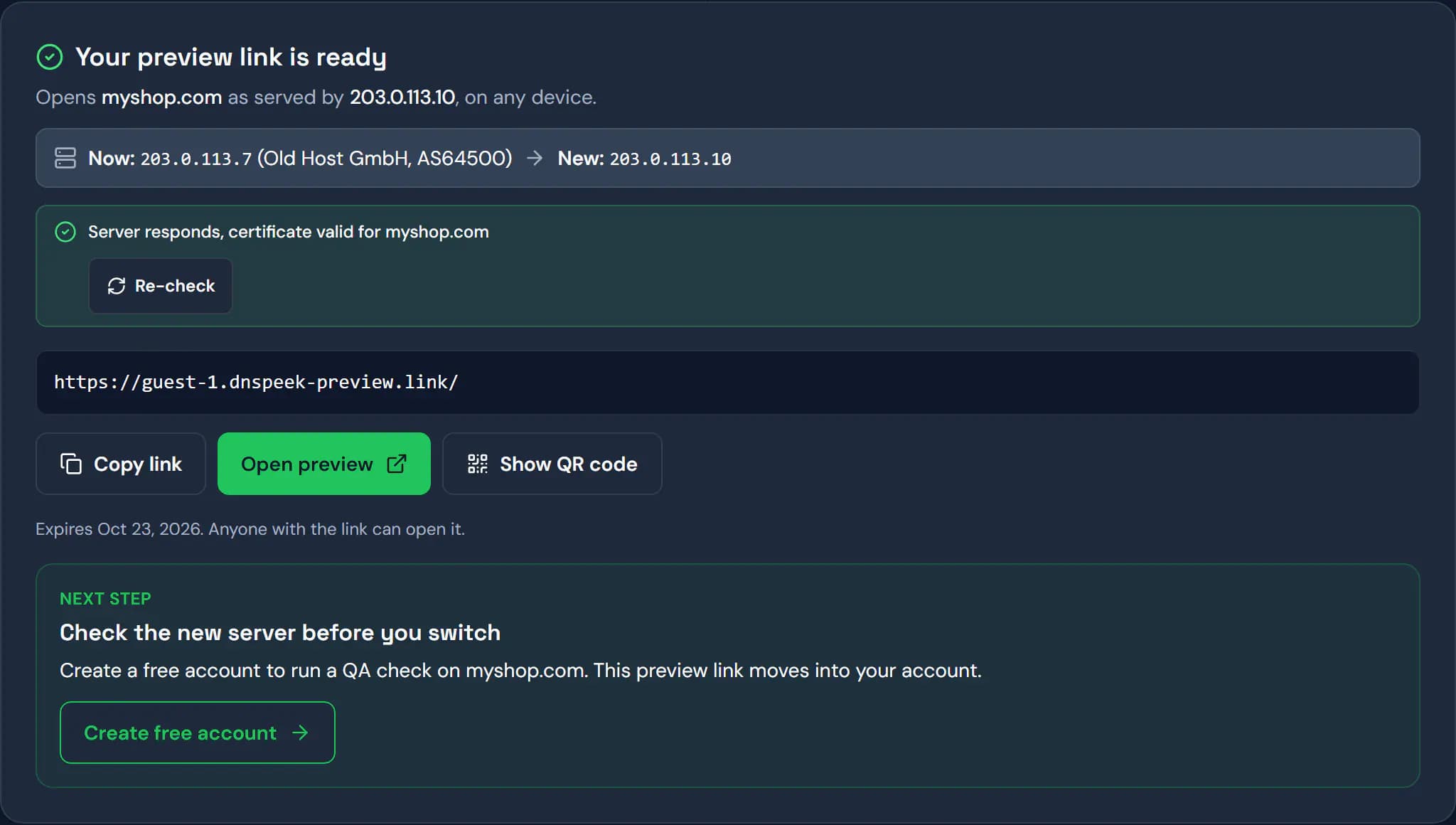
One HTTPS link shows your site on the new server while visitors still see the old one.
Free · no card · no hosts file or VPN
- 1Enter domain and new IPThe address of the server you are moving to.
- 2Open the HTTPS previewYour real domain, served by the new server, on any device.
- 3Switch DNS when it worksVisitors keep the old server until you are sure.
Every preview link comes with a migration checklist
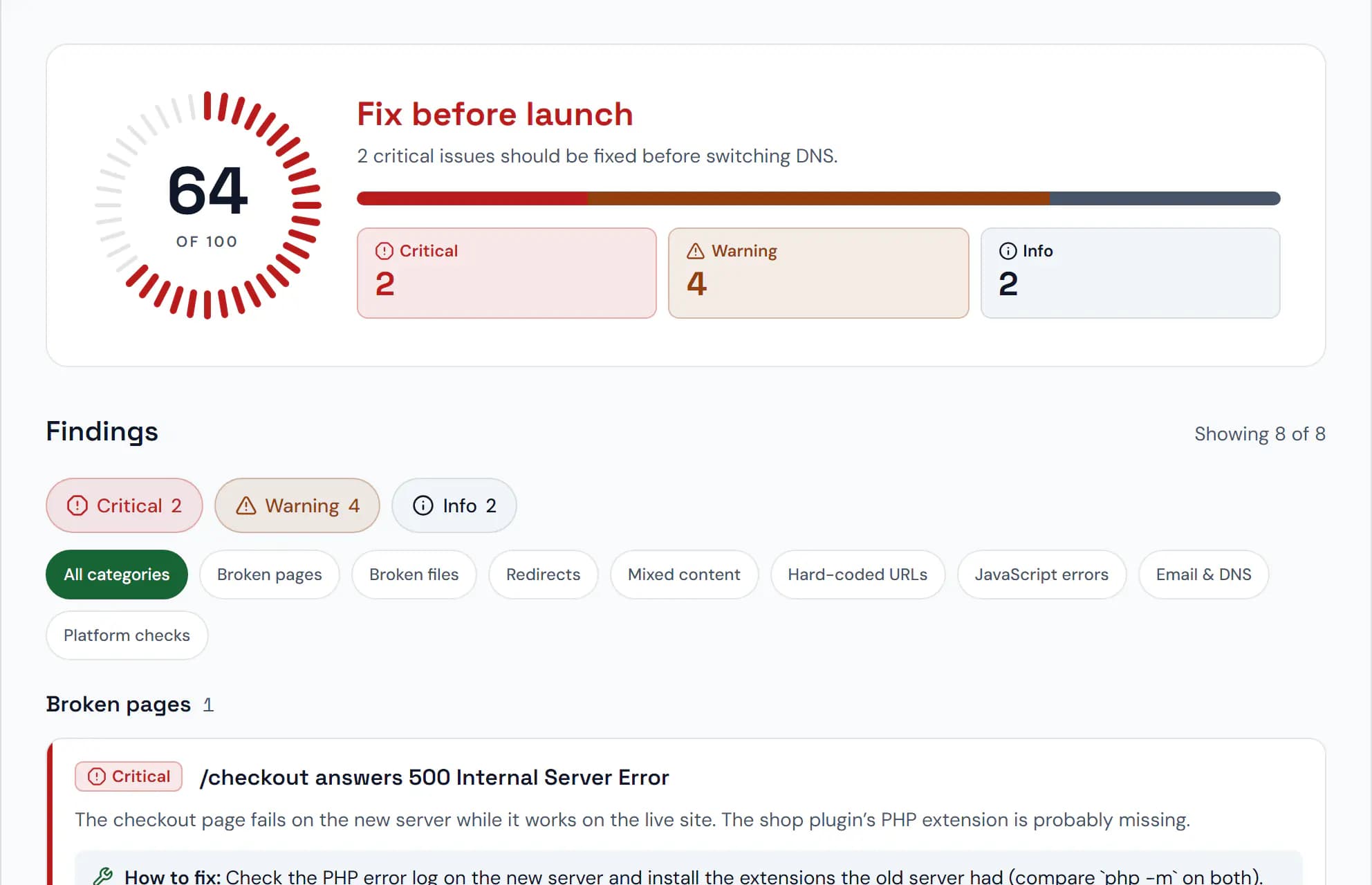
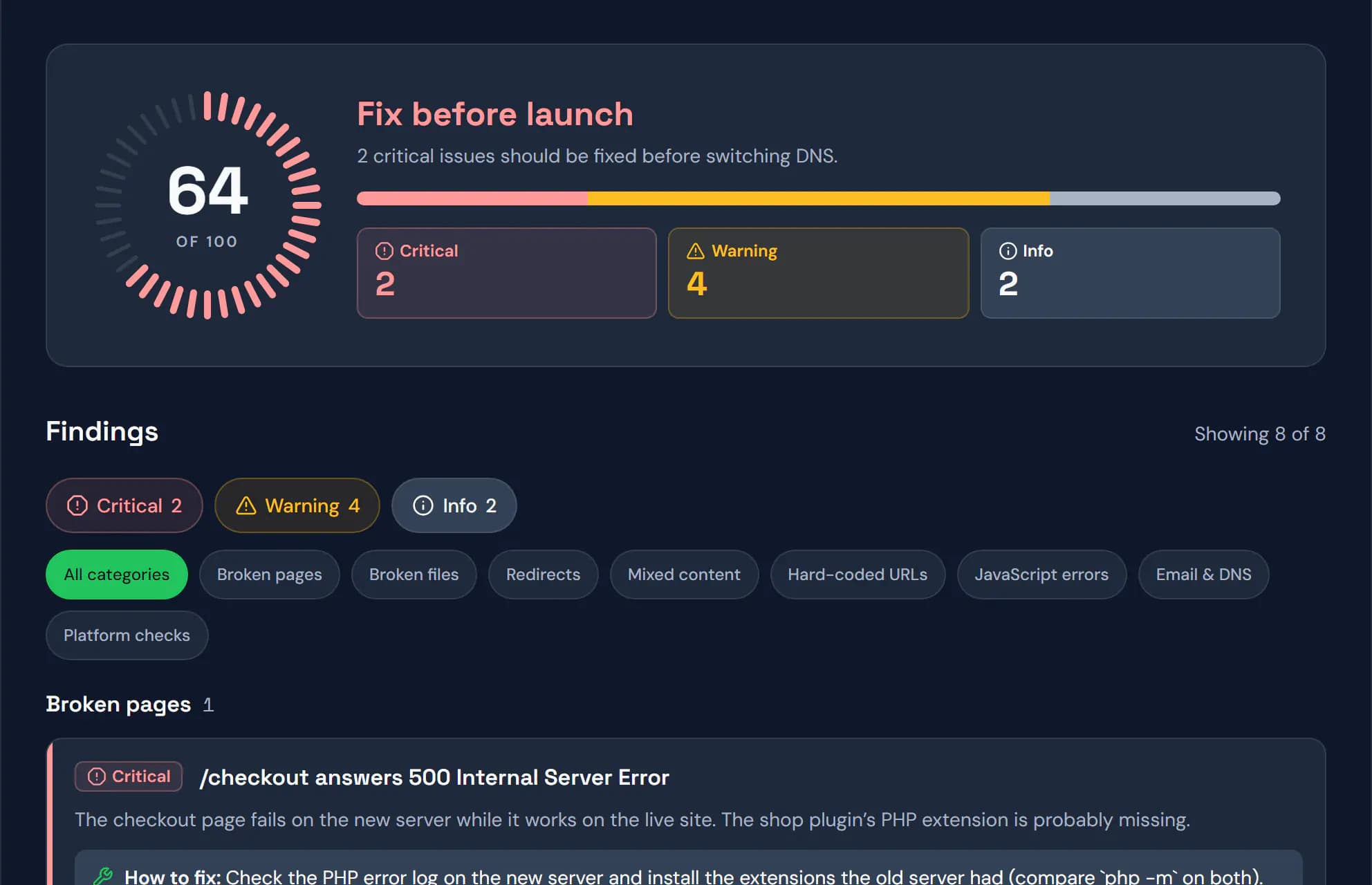
The link's page walks you through the move: the preview, the TTL, a check of the new server and a compare with the live site, then the DNS switch.
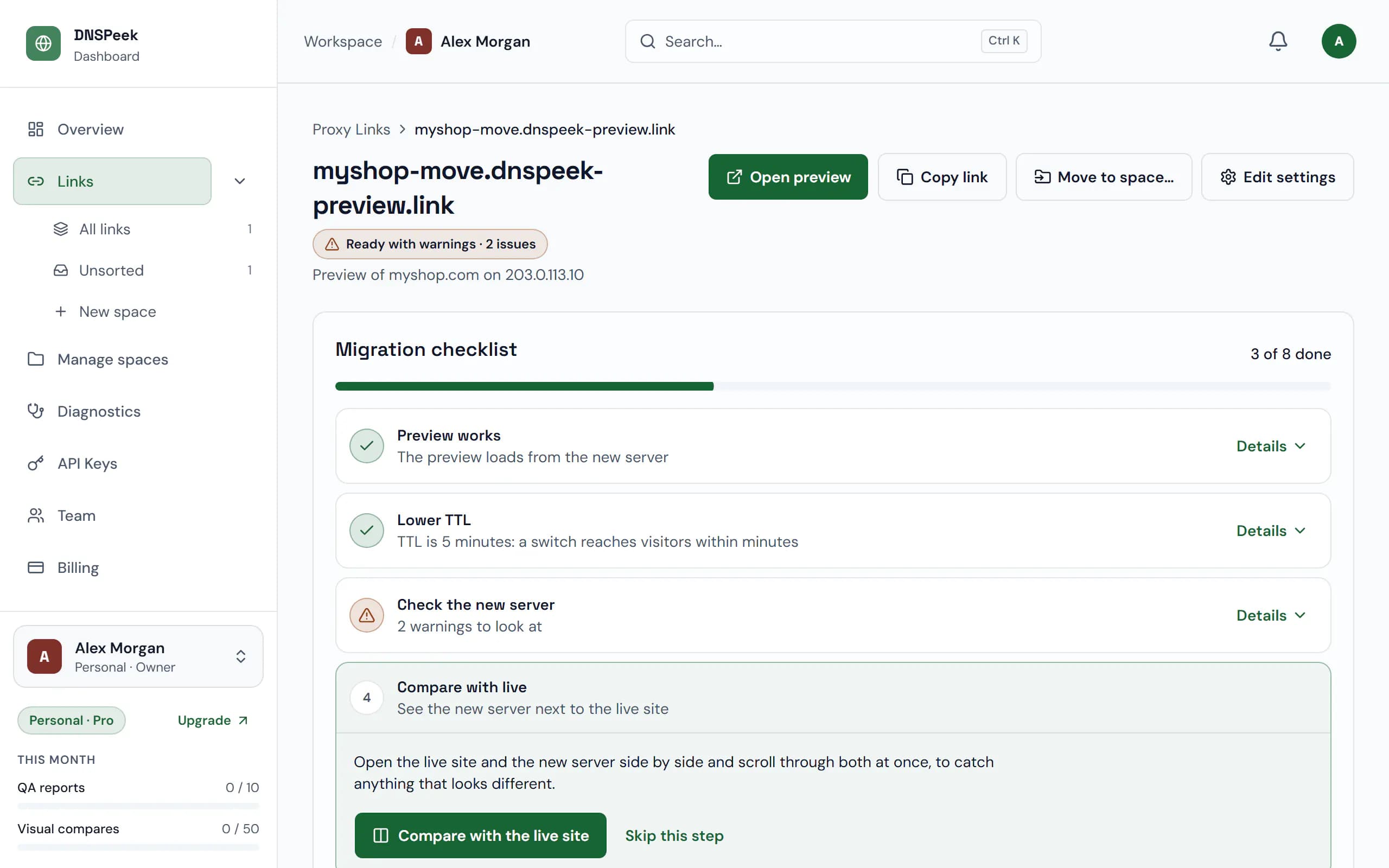
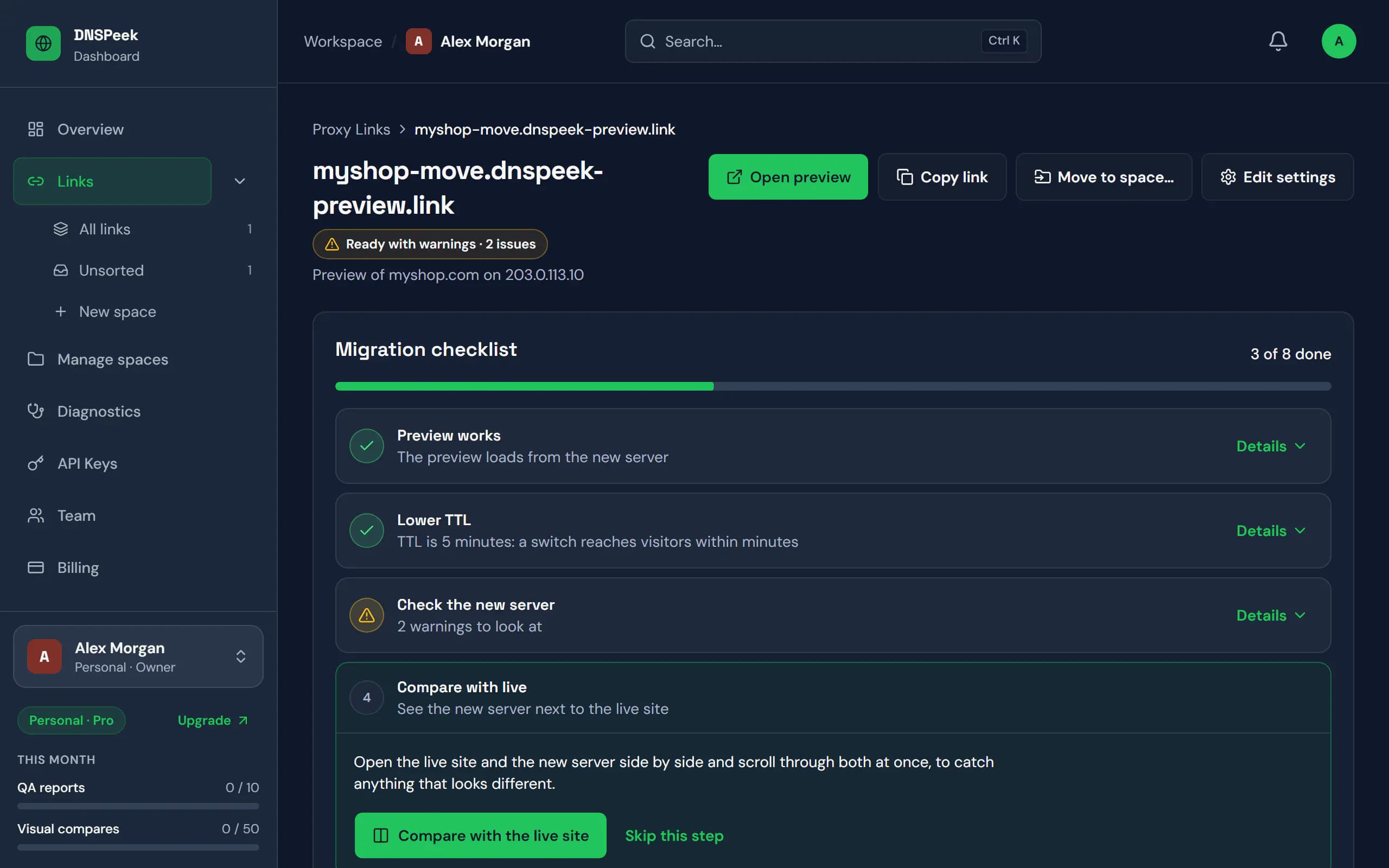
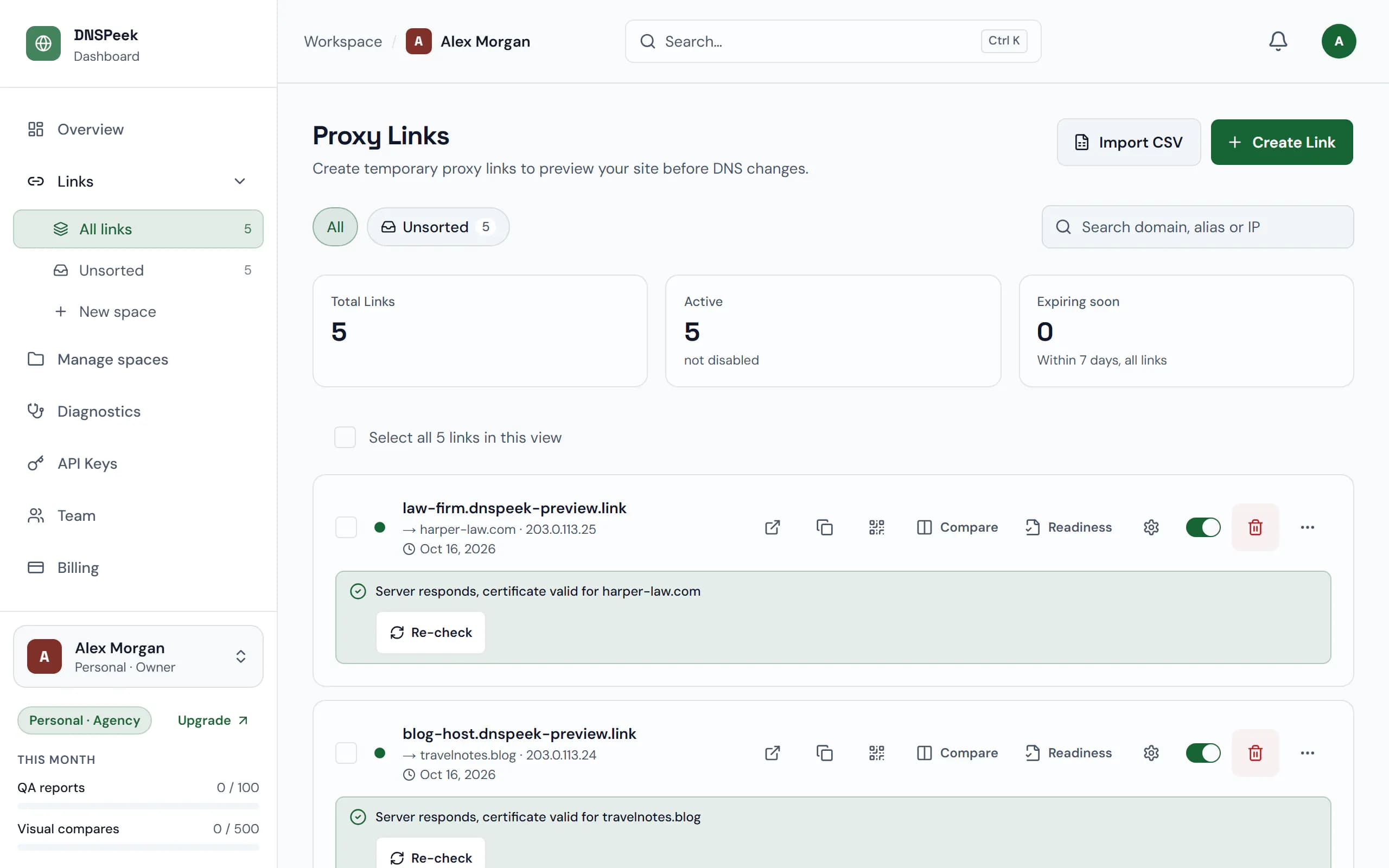
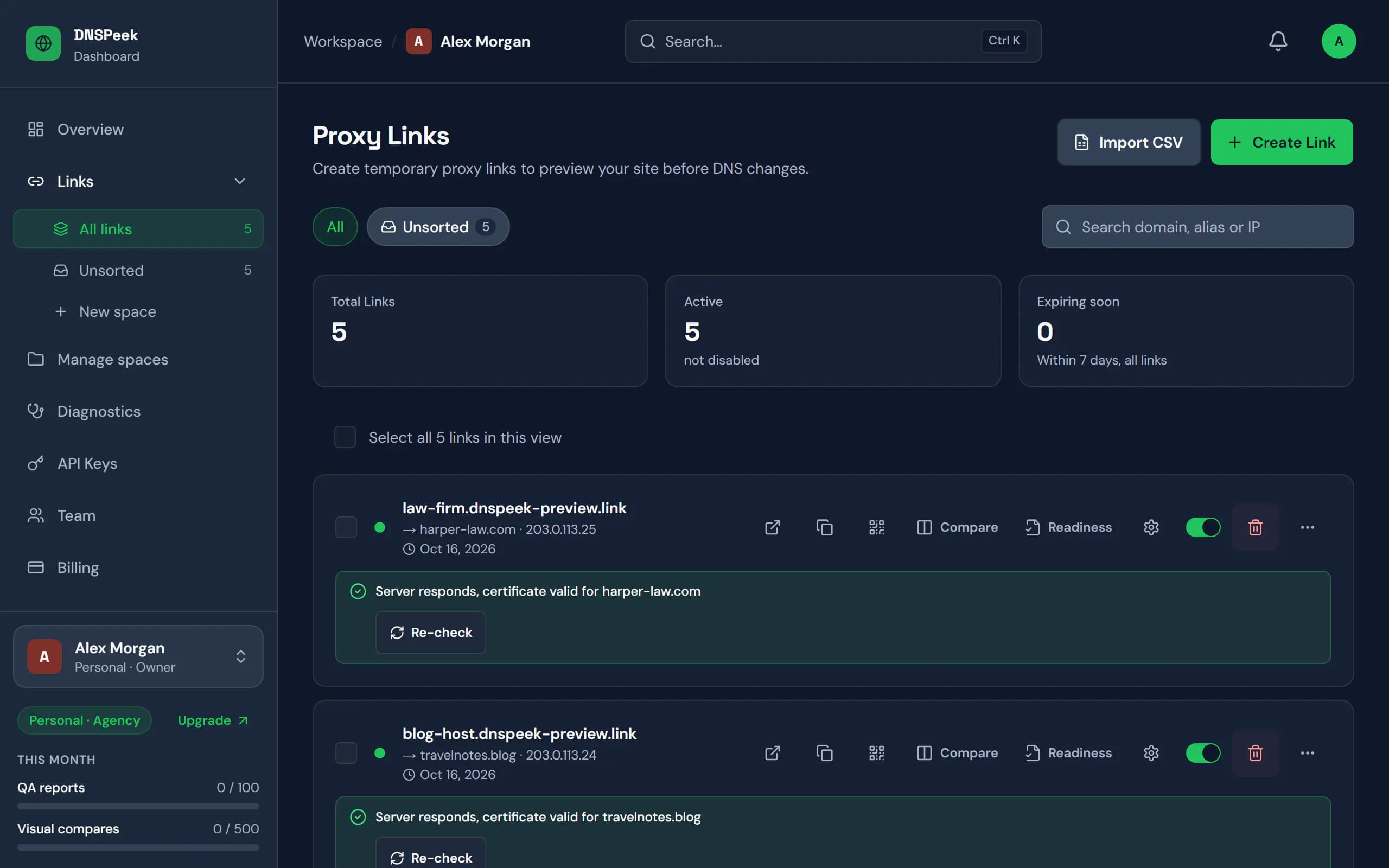
Real DNSPeek screens with sample data.
Built for whoever moves the site
The same preview link, with the tools each kind of migration needs around it.
- Works on phones and for clients
- Logins and cookies keep working
Move a client site, check it properly and hand over a link they can open on their phone.
Preview links
Unlimited HTTPS links to any server, on the free plan.
Password and expiry
Lock a preview behind a password and decide when it stops working.
Launch QA report
Crawl the new server for broken pages, missing files, redirect loops and mixed content.
DNS propagation check
See which public resolvers already return the new IP after you switch.
Run migrations for many clients with a review step your clients actually use.
Client comments and launch approval
AgencyClients pin comments on the preview and approve the launch, no account needed.
Live side-by-side compare
ProThe live site and the new server side by side, with synced clicks and scroll, and a share link for your client. Free can try 3 sessions a month.
Visual compare
ProScreenshot live and new side by side at desktop and mobile widths, with a pixel diff.
Branded QA reports
AgencyShare QA reports prepared under your agency’s name.
DNS alerts
ProGet an email or webhook when propagation is done, instead of refreshing a checker.
Team workspaces
AgencyShared links and reports for your team, with owner, admin, member and viewer roles. 5 seats on Agency.
Give customers a safe way to check their site on your servers before they move their DNS.
REST API
ProCreate preview links from your own panel or migration tooling with API keys, up to 1,000 requests a minute on Provider.
Unlimited QA and compares
ProviderRun launch checks for every migration without counting.
Private networks blocked
Previews only reach public addresses, never your internal network.
Team seats
Provider25 seats for your support and migration staff, with admin, member and viewer roles.
Domain auto-join
AgencyStaff who sign in with a verified company email join your workspace automatically, or ask to.
White-label
Coming soonPreviews and reports on your own domain and brand.
Move sites without surprises
See the new server on any device, check it before DNS moves, and share it with your client.
| Feature | DNSPeek | Other preview tools | Hosts file | Temporary URL |
|---|---|---|---|---|
| Check on your phone: scan a QR code | Yes | Yes | No | Yes |
| Valid HTTPS | Yes | Yes | Often not | Often not |
| Nothing to install, no admin rights | Yes | Yes | Admin rights | Yes |
| Migration QA report | Yes | Basic checks | No | No |
| Live side-by-side compare | Yes | No | No | No |
| Shareable with clients | Yes | Yes | No | Yes |
Other preview tools: based on the public feature and pricing pages of popular DNS preview services, September 2026.
Free previews, paid migration checks
Previews are free and unlimited. Pay for migration QA, visual and live compares and team workflow.
Free
$0/mo
- Unlimited preview links
- Links last 7 days from the last visit, up to 30 days
- Password protection
- No credit card required
- Recommended for migrations
Pro
$9/mo
- Non-expiring links
- DNS propagation alerts
- 50 visual compares / month
Agency
$29/mo
- Everything in Pro
- 500 visual compares / month
- 100 QA reports / month
Provider
from $149/mo
- Everything in Agency
- Unlimited visual compares
- Unlimited QA reports
Safe to point at a real site: visitors never see the preview, private networks are blocked and links can be password-protected.How we keep it safe
Questions, answered
Short answers here; each links to the full guide where there is one. All questions
How can I preview a website before changing DNS?
Create a DNSPeek link with your domain and the new server’s IP address. The link opens your site as served by the new server, in any browser, while public DNS still points at the old one.
Do I need to edit my hosts file or use a VPN?
No. DNSPeek connects to the new server for you, so the preview is an ordinary link. Nothing changes on your computer, and anyone you share the link with sees the same thing.
Is DNSPeek free?
Yes. The Free plan includes unlimited preview links, password protection, one-off DNS checks, one QA report and three live compare sessions a month; its links last 7 days from the last visit, up to 30 days. Paid plans start at $9 a month and add non-expiring links, DNS propagation alerts, visual compares and more QA reports.
Does it work with HTTPS and self-signed certificates?
Yes. Visitors always use HTTPS. For the connection to your server, choose Auto, Skip verification (for self-signed or not-yet-issued certificates) or Verify in the link settings.
Does it work with WordPress?
Yes. Keep the WordPress and Site Address set to your real domain; DNSPeek sends requests for that domain to the new server, so you can browse the site and sign in to wp-admin on the preview.
Can my client open the preview without an account?
Yes. Anyone with the link can open it, on a computer or a phone. Add a password to limit who can see it. On the Agency and Provider plans clients can also leave comments and approve the launch without an account.
Check the new server before your visitors do
Free, no credit card, and no account needed for your first link.