Preview your website before you change DNS
Enter your domain and the new server’s IP. You get an HTTPS link that shows the site on the new server, on any device, while DNS still points at the old one.
Free · no card · no hosts file or VPN
- 1Enter domain and new IPThe address of the server you are moving to.
- 2Open the HTTPS previewYour real domain, served by the new server, on any device.
- 3Switch DNS when it worksVisitors keep the old server until you are sure.
Every preview link comes with a migration checklist
The link's page walks you through the move: the preview, the TTL, a check of the new server and a compare with the live site, then the DNS switch.
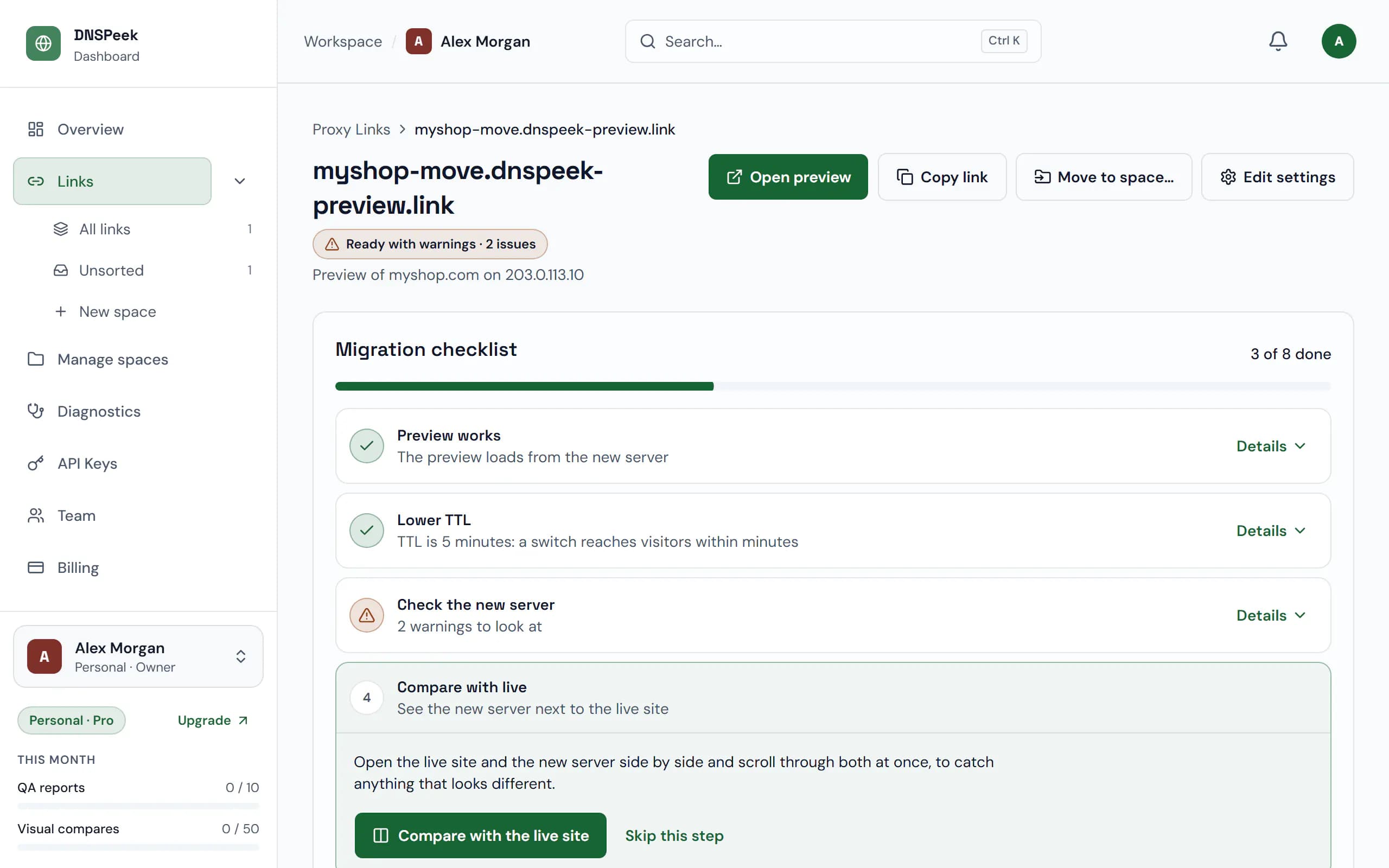
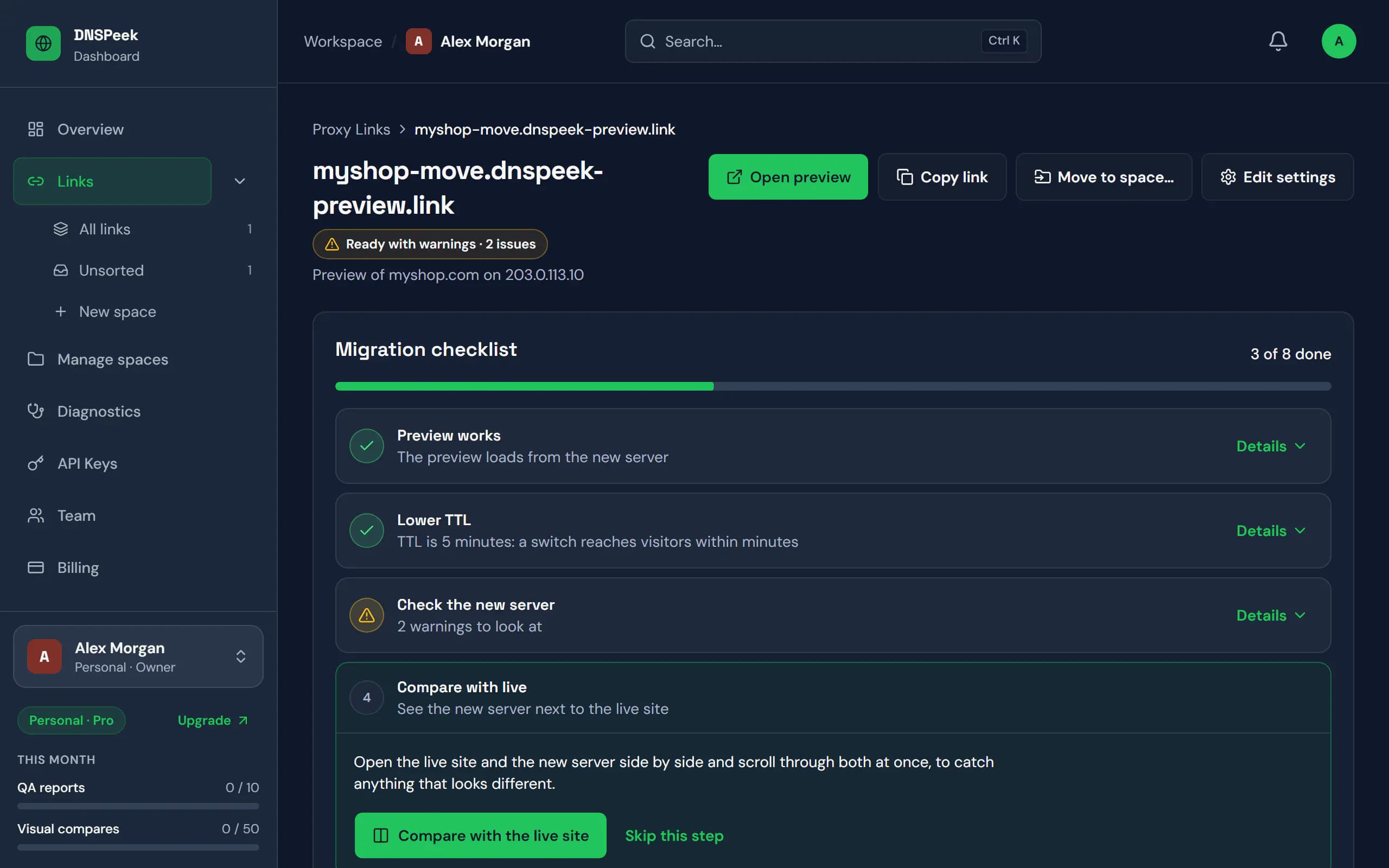
Real DNSPeek screens with sample data.
Check these on the preview first
Six things that break most often in a move. If they work on the preview link, they will work for your visitors after the DNS change.
Pages and images load
Click through the main pages on the preview. Missing files usually mean an incomplete copy.
Logins keep you signed in
Sign in to the admin area or a customer account. Sessions and cookies work on the preview domain. WordPress notes
Forms and checkout send
Submit a contact form or a test order and check that it arrives, from the new server.
HTTPS works without warnings
The preview has its own valid certificate, even before the new server has one for your domain. SSL modes
Redirects land where they should
Old URLs, http to https and www rules behave as before. The QA report lists every redirect chain. QA report
Your DNS change is ready
Lower the TTL a day ahead and keep mail records as they are, then switch and watch propagation. DNS propagation
Checking a migrated site is harder than it should be
The hosts file fools one computer
It does nothing on a phone, and you can’t ask a client to edit system files to review their new site.
With DNSPeek: One link that opens the new server on any device, for anyone you share it with.
Temporary host URLs break the site
WordPress redirects to the real domain, the certificate doesn’t match, and logins lose their cookies.
With DNSPeek: Your real domain, valid HTTPS and working logins, before DNS moves.
Nobody checks every page
Broken links, missing images, failing forms and lost SEO redirects hide on pages no one opens.
With DNSPeek: A migration QA report crawls the site and lists what’s broken.
Old vs new, by eye
Flicking between two tabs misses the small differences until a customer notices.
With DNSPeek: Visual and live side-by-side compare show exactly what changed.
Otherwise it’s “flip DNS and pray”, and your visitors, and Google, find the problems first.
Move sites without surprises
See the new server on any device, check it before DNS moves, and share it with your client.
| Feature | DNSPeek | Other preview tools | Hosts file | Temporary URL |
|---|---|---|---|---|
| Check on your phone: scan a QR code | Yes | Yes | No | Yes |
| Valid HTTPS | Yes | Yes | Often not | Often not |
| Nothing to install, no admin rights | Yes | Yes | Admin rights | Yes |
| Migration QA report | Yes | Basic checks | No | No |
| Live side-by-side compare | Yes | No | No | No |
| Shareable with clients | Yes | Yes | No | Yes |
Other preview tools: based on the public feature and pricing pages of popular DNS preview services, September 2026.
Safe to point at a real site: visitors never see the preview, private networks are blocked and links can be password-protected.How we keep it safe
Free previews, paid migration checks
Previews are free and unlimited. Pay for migration QA, visual and live compares and team workflow.
Free
$0/mo
- Unlimited preview links
- Links last 7 days from the last visit, up to 30 days
- Password protection
- No credit card required
- Recommended for migrations
Pro
$9/mo
- Non-expiring links
- DNS propagation alerts
- 50 visual compares / month
Agency
$29/mo
- Everything in Pro
- 500 visual compares / month
- 100 QA reports / month
Provider
from $149/mo
- Everything in Agency
- Unlimited visual compares
- Unlimited QA reports
Questions, answered
Short answers here; each links to the full guide where there is one. All questions
How can I preview a website before changing DNS?
Create a DNSPeek link with your domain and the new server’s IP address. The link opens your site as served by the new server, in any browser, while public DNS still points at the old one.
Do I need to edit my hosts file or use a VPN?
No. DNSPeek connects to the new server for you, so the preview is an ordinary link. Nothing changes on your computer, and anyone you share the link with sees the same thing.
Does it work with HTTPS and self-signed certificates?
Yes. Visitors always use HTTPS. For the connection to your server, choose Auto, Skip verification (for self-signed or not-yet-issued certificates) or Verify in the link settings.
Does it work with WordPress?
Yes. Keep the WordPress and Site Address set to your real domain; DNSPeek sends requests for that domain to the new server, so you can browse the site and sign in to wp-admin on the preview.
Is DNSPeek free?
Yes. The Free plan includes unlimited preview links, password protection, one-off DNS checks, one QA report and three live compare sessions a month; its links last 7 days from the last visit, up to 30 days. Paid plans start at $9 a month and add non-expiring links, DNS propagation alerts, visual compares and more QA reports.
How long does DNS propagation take?
Mostly as long as the old TTL of the record: resolvers keep the old answer until it expires. With a TTL lowered to 5 minutes a day in advance, most visitors see the new server within minutes. DNSPeek shows how many of 16 public resolvers already return the new IP.
Check the new server before your visitors do
Free, no credit card, and no account needed for your first link.