Run every client move with your team, in one place
A workspace holds your links, spaces, reports and plan. Invite teammates with the right role, keep each client’s links together and let clients leave feedback right on the preview.
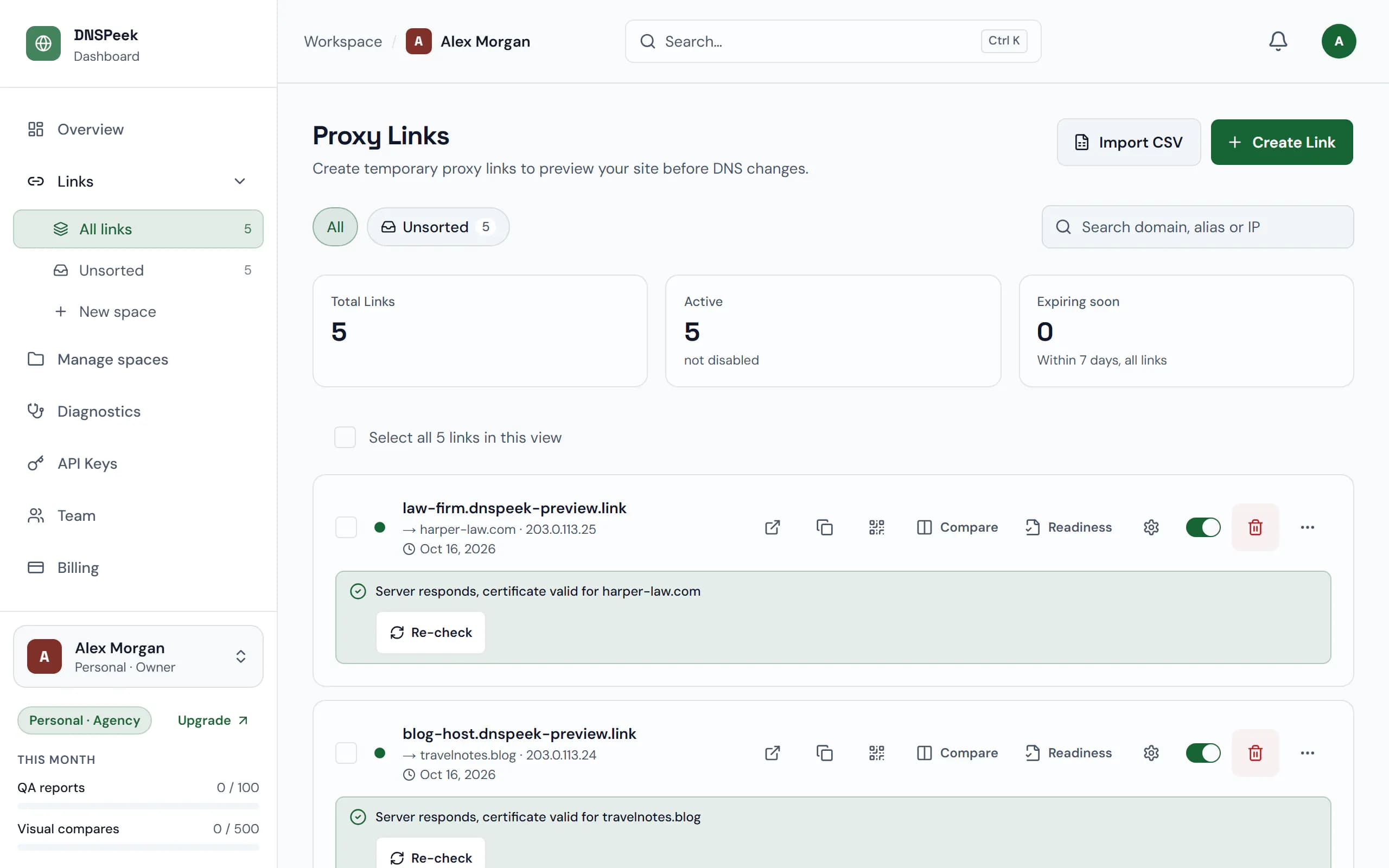
Sample data. Screenshot of the real product.
What you get
Roles that fit
Owner, admin, member or viewer: everyone sees the team’s links, and their role decides what they can change. Keep a link to yourself by making it private.
Spaces per client
Group links by client, site or project, and see at a glance how many are active. The Overview page shows every move in progress.
Feedback on the preview
Clients pin comments to the exact spot they mean and click Approve launch when they are happy. No account needed, and you get an email.
Your name on the reports
On plans with branding, shared reports carry your logo, colours and contact details instead of ours.
How it works
- 1
Invite your team
Open Team → Members, enter an email and pick a role. Colleagues on your company domain can also join on their own.
- 2
Organise the links
Create a space per client and move links into it, one at a time or in bulk.
- 3
Turn on client comments
Switch on Client comments for a link and send it to your client. Follow up from the Comments page.
Plans
What each plan includes for this feature, from the current plan catalog.
Seats
- Free
- 1
- Pro
- 1
- Agency
- 5
- Provider
- 25
Comments & client approval
- Free
- Not included
- Pro
- Not included
- Agency
- Included
- Provider
- Included
Branded QA reports
- Free
- Not included
- Pro
- Not included
- Agency
- Included
- Provider
- Included
Verified-domain auto-join
- Free
- Not included
- Pro
- Not included
- Agency
- Included
- Provider
- Included
Activity log retention
- Free
- 7 days
- Pro
- 30 days
- Agency
- 90 days
- Provider
- 365 days
Questions, answered
Does my client need an account to comment?
No. Anyone who can open the preview can comment, so protect the link with a password if it should stay between you and your client.
What happens when someone leaves the team?
Their links, spaces and reports stay in the workspace and go to the owner. The API keys they created stop working.
Is billing per person or per team?
Per workspace. Every member and pending invitation counts as a seat; the number of seats depends on the plan.
Can I see who changed what?
Yes. Owners and admins have an activity log of every change in the workspace and a usage page per member.
Check the new server before your visitors do
Free, no credit card, and no account needed for your first link.