Know the moment your DNS switch has reached everyone
After you change a DNS record, resolvers keep the old answer until their cache runs out. DNSPeek asks 16 public resolvers for your domain, shows how far the switch has spread and tells you when it is done.
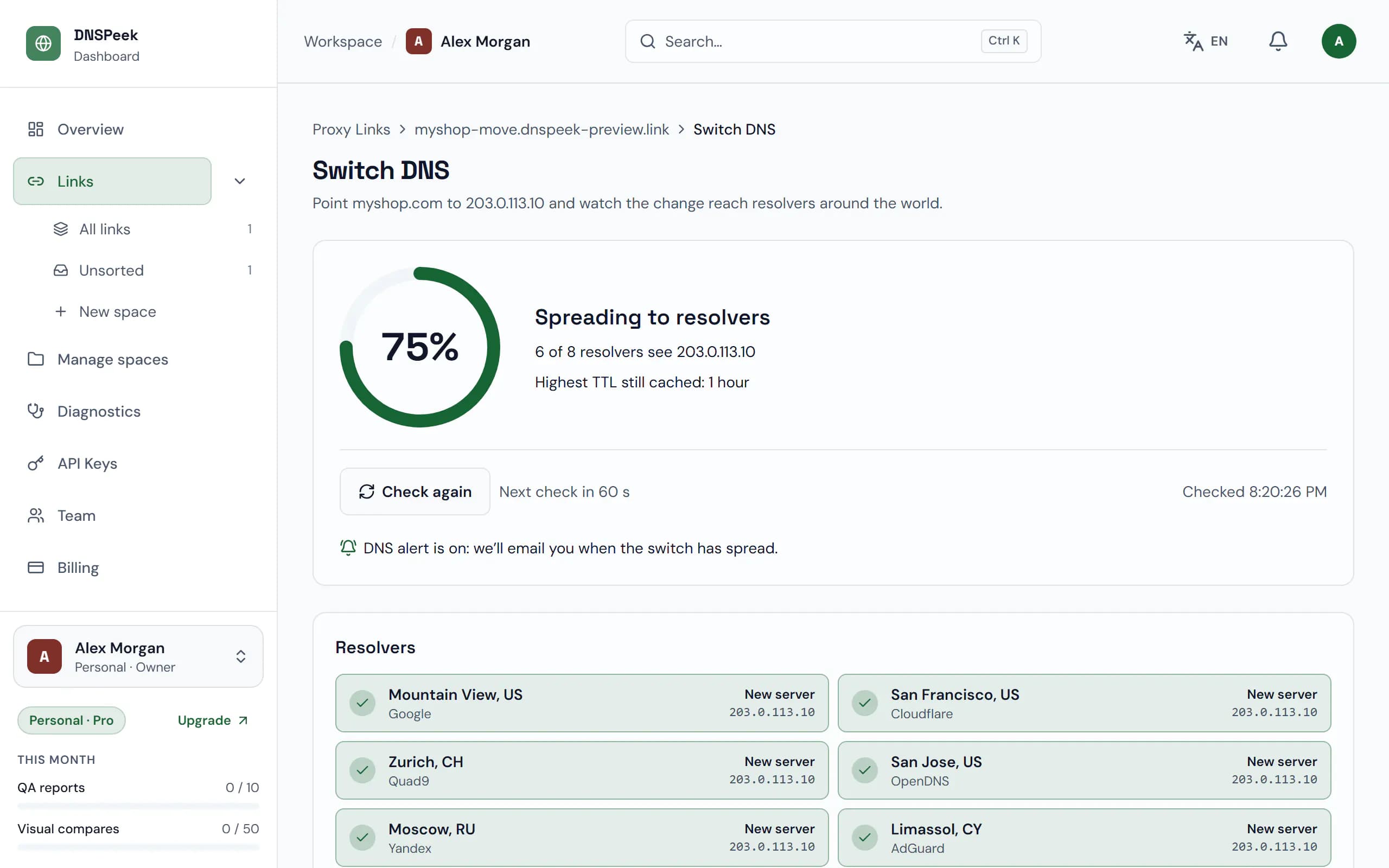
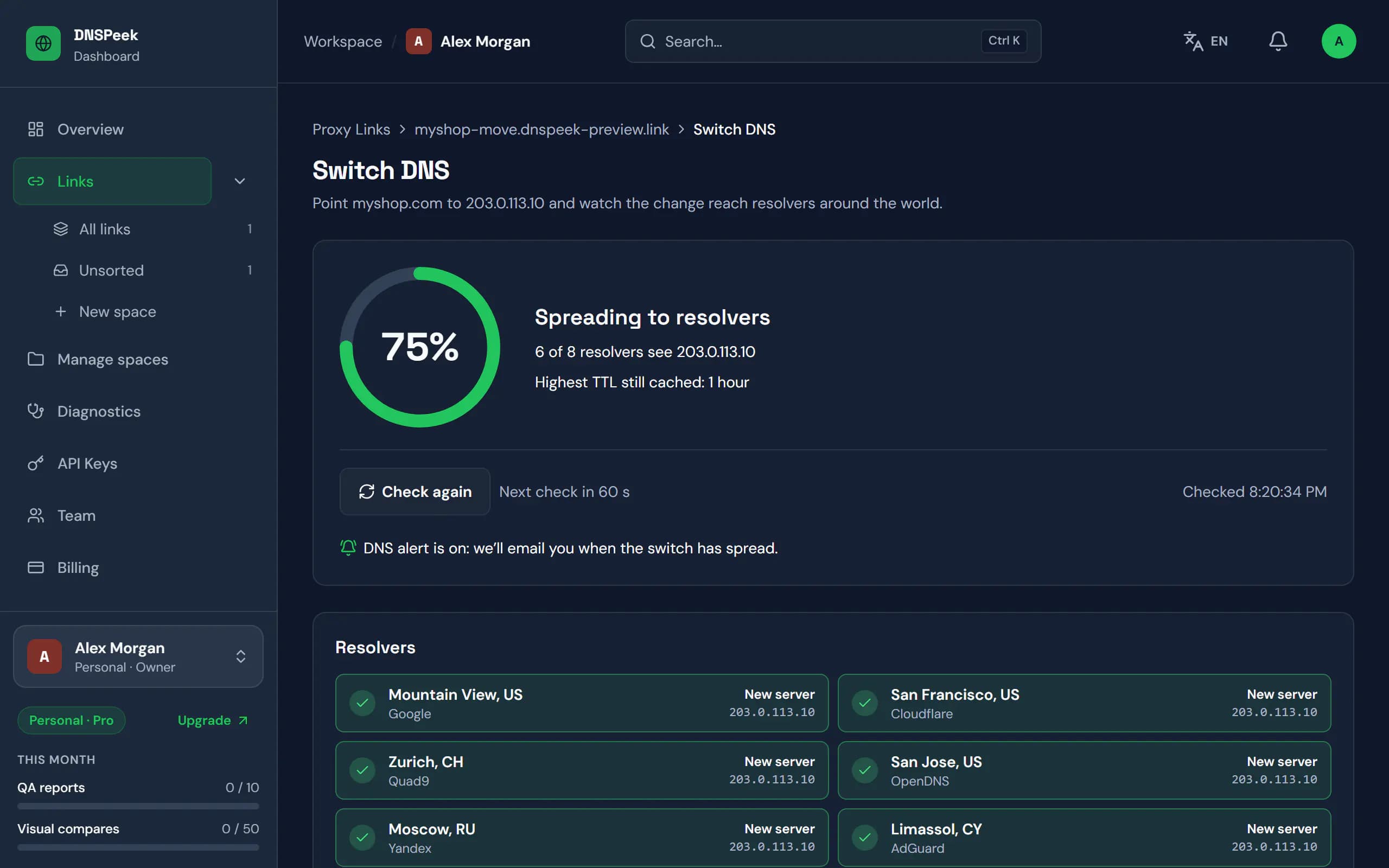
Sample data. Screenshot of the real product.
What you get
16 public resolvers
Google, Cloudflare, Quad9, OpenDNS and twelve more, compared with your new server’s IP for A and AAAA records.
An alert when it is done
On paid plans DNSPeek checks every 5 minutes and emails you once at least 90% of the resolvers return the new IP. Add a signed webhook if you want.
Cloudflare aware
Any Cloudflare edge address counts as a match, and a domain behind the Cloudflare proxy is explained instead of stuck at 0%.
A re-check after the switch
Once DNS has spread, DNSPeek re-runs your QA report on the live domain and compares it with the one from before.
How it works
- 1
Change the record
Open the Switch DNS step, update the A record at your DNS host and click I’ve changed the record.
- 2
Watch it spread
The switch screen fills up resolver by resolver. On the Free plan you click Check again; paid plans re-check every minute while the screen is open.
- 3
Get the alert
When the switch has spread you get an email, or a call to your webhook, and the checklist moves on to Verify & finish.
Plans
What each plan includes for this feature, from the current plan catalog.
DNS propagation alerts
- Free
- Not included
- Pro
- Included
- Agency
- Included
- Provider
- Included
Notification channels
- Free
- Not included
- Pro
- 3
- Agency
- 20
- Provider
- Unlimited
Questions, answered
When does DNSPeek call it propagated?
When at least 90% of the resolvers that answered return the new IP, and at least half of all resolvers answered.
Can I check without an account?
Yes. The free DNS propagation tool checks any domain without signing up. Alerts need an account on a paid plan.
What if it never finishes?
Tracking stops after 72 hours and you get an email. That usually means a record was not updated, such as www or an old AAAA record.
I still see the old site. Why?
Your own computer and browser cache DNS too. The switch screen explains how to clear your local cache.
Check the new server before your visitors do
Free, no credit card, and no account needed for your first link.